
This tutorial will help you to configure your Private Email account via the OX Mail application. As an example, we will use our test mailbox
To set up your email account, the following steps are required:
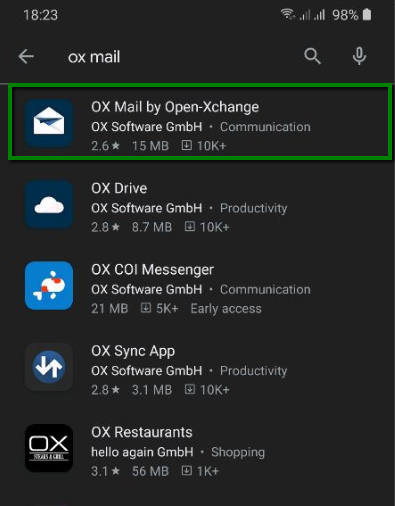
1. Open Google Play on your smartphone and find OX Mail by Open-Xchange application:
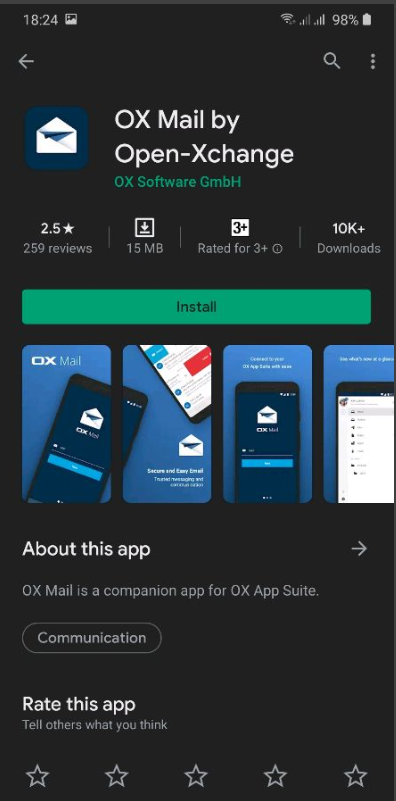
2. Choose OX Mail app and click Install:
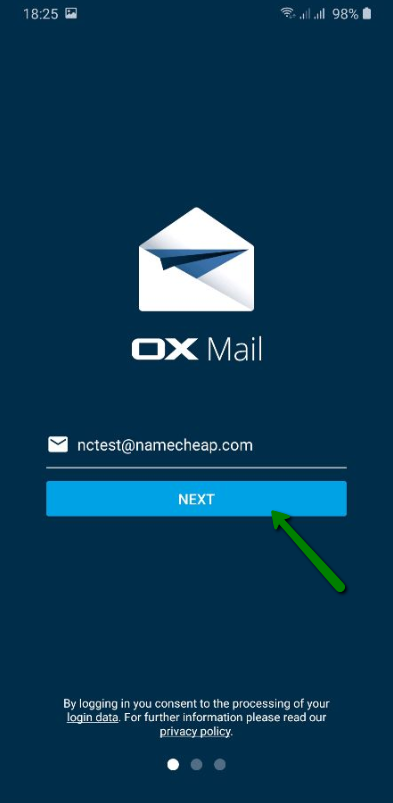
3. Once it’s installed, open the OX Mail application on your smartphone, paste your Private Email account name, and choose Next:
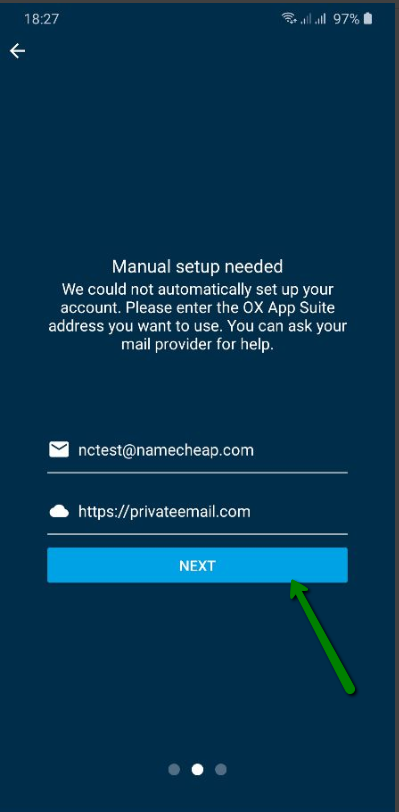
4. In the newly-opened window, the following settings should be provided:
First field: enter your Private Email account name;
Second field: copy and paste https://privateemail.com in
First field: enter your Private Email account name;
Second field: copy and paste https://privateemail.com in
5. Now you can provide your Private Email account credentials:
First field: enter your Private Email account name;
Second field: enter the password for your Private Email account (not your Namecheap account password).
First field: enter your Private Email account name;
Second field: enter the password for your Private Email account (not your Namecheap account password).
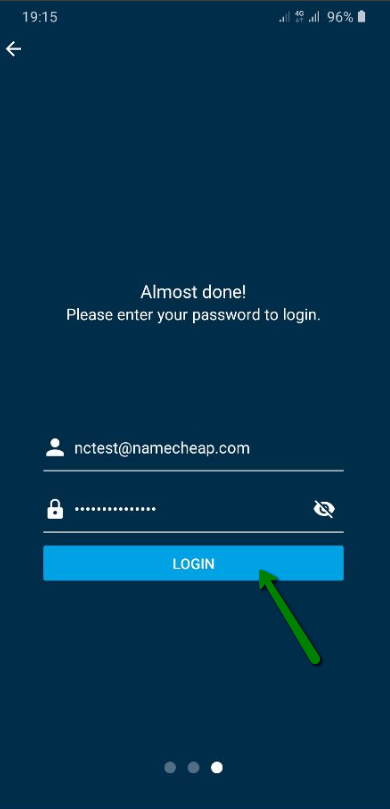
Finish by clicking Login. Now you can enjoy your Private Email service!